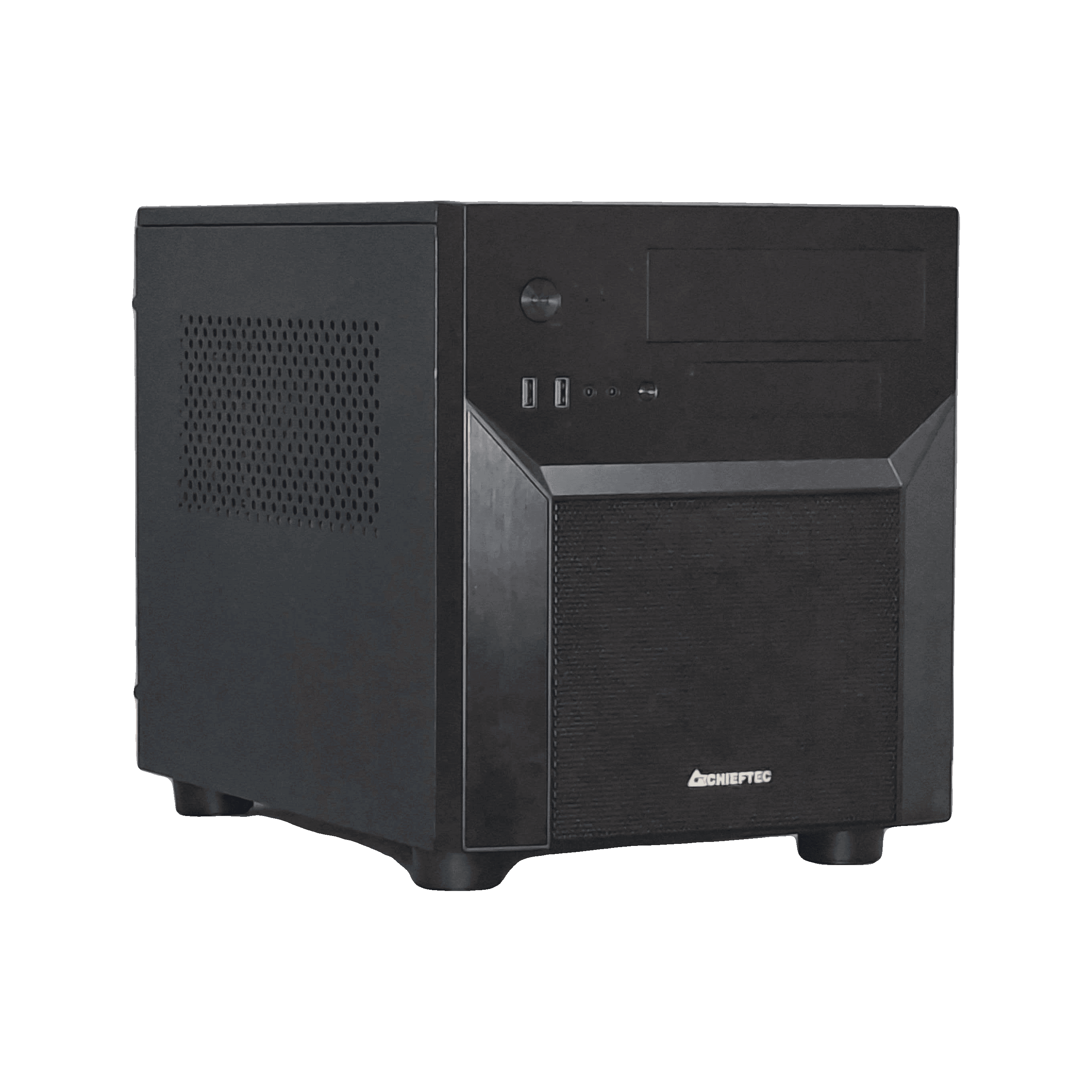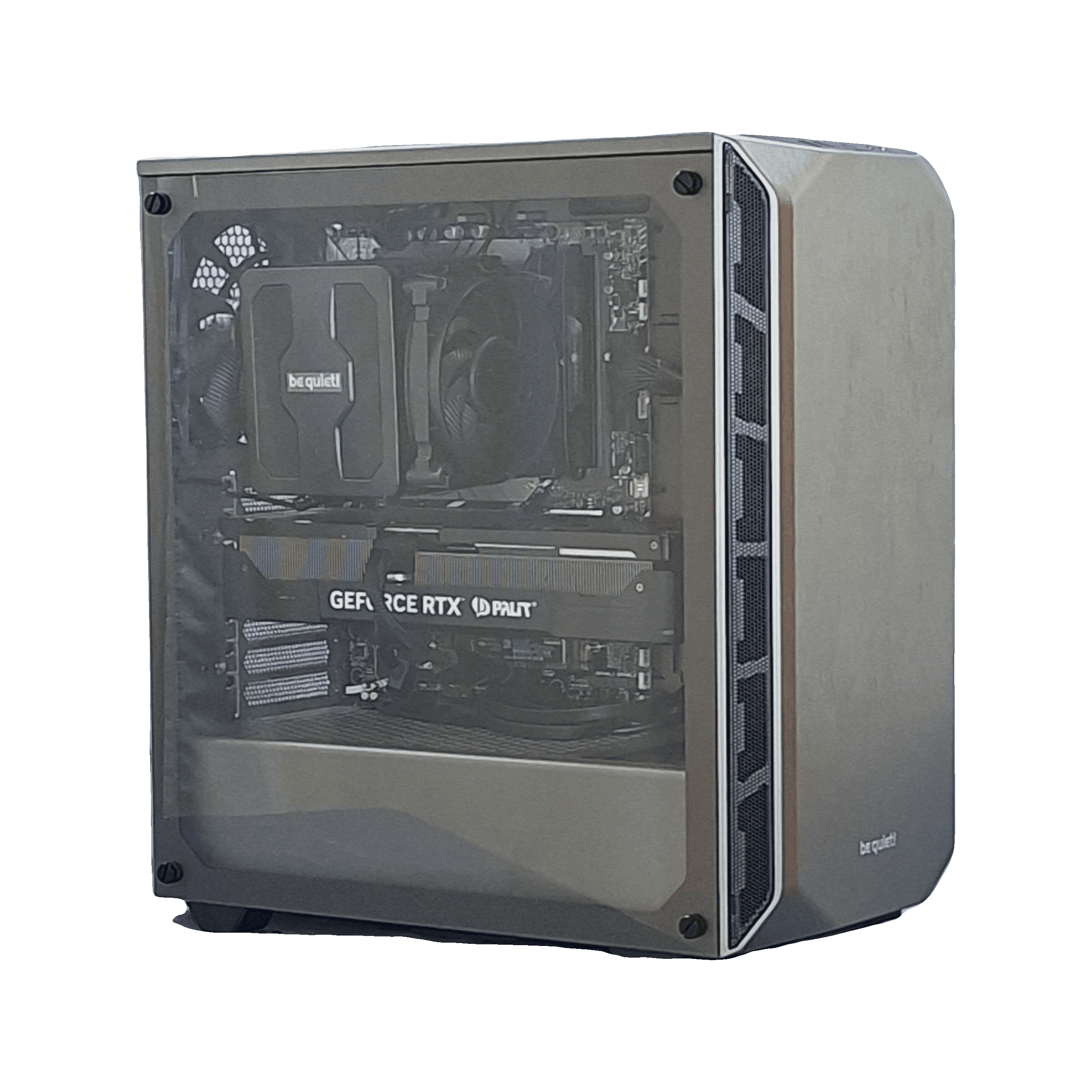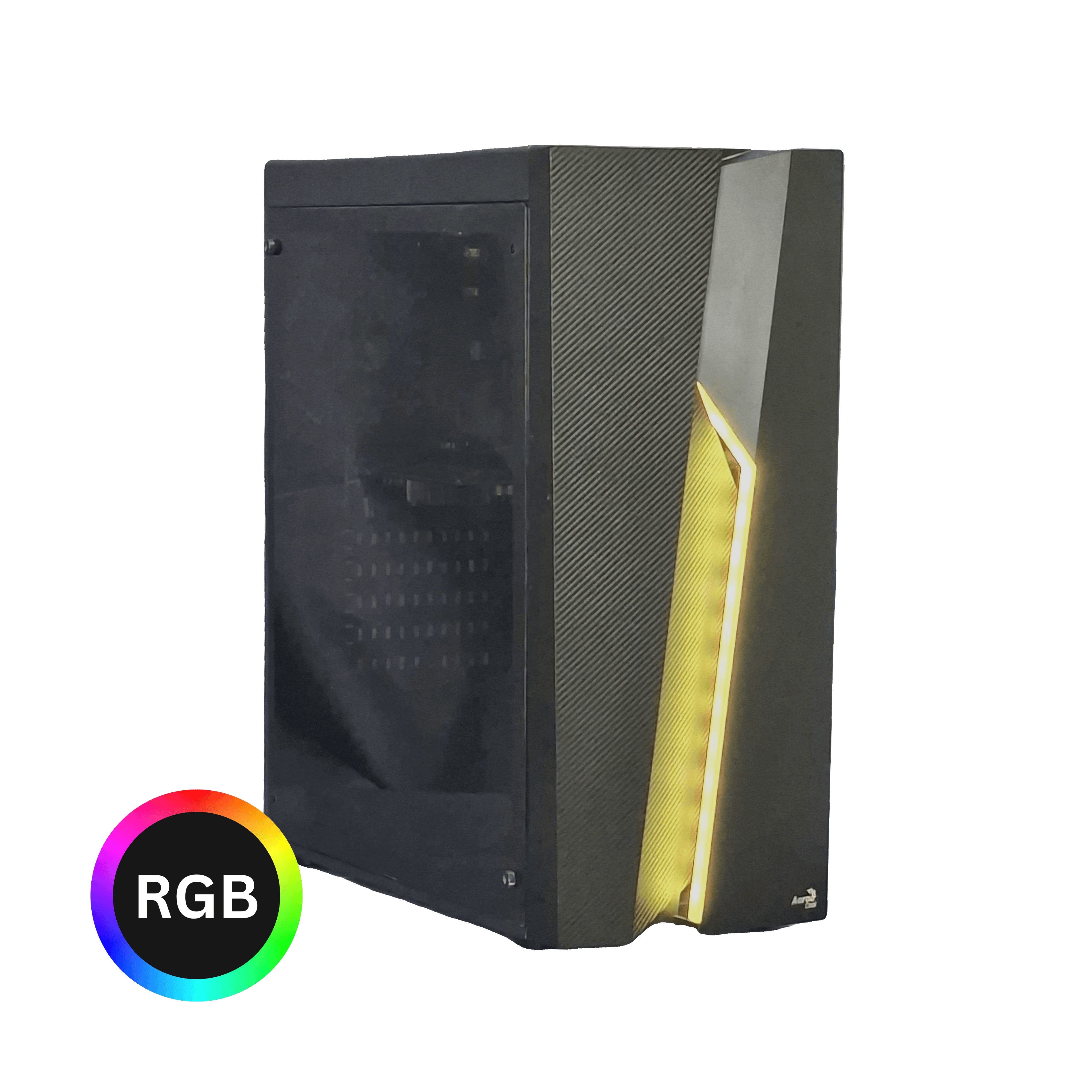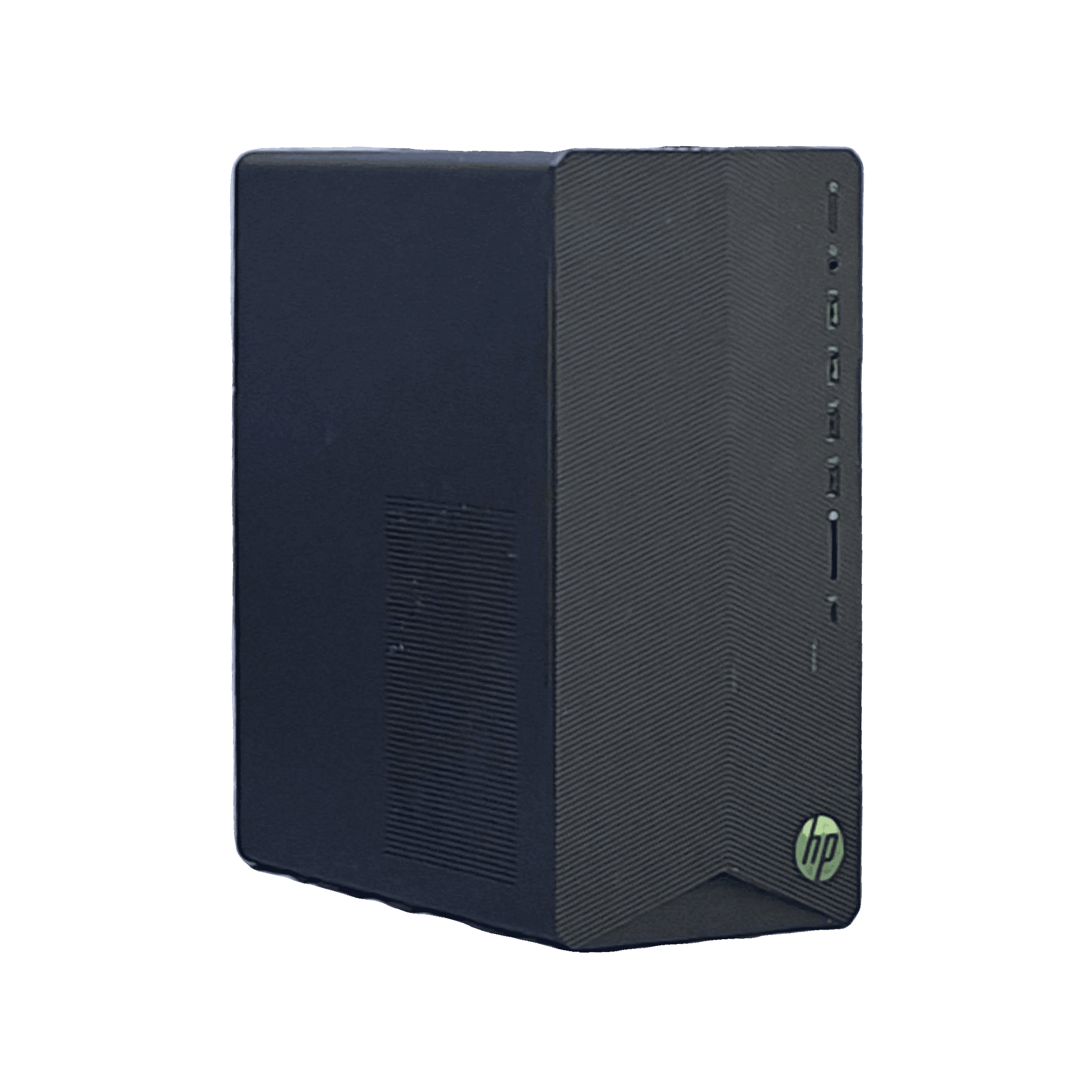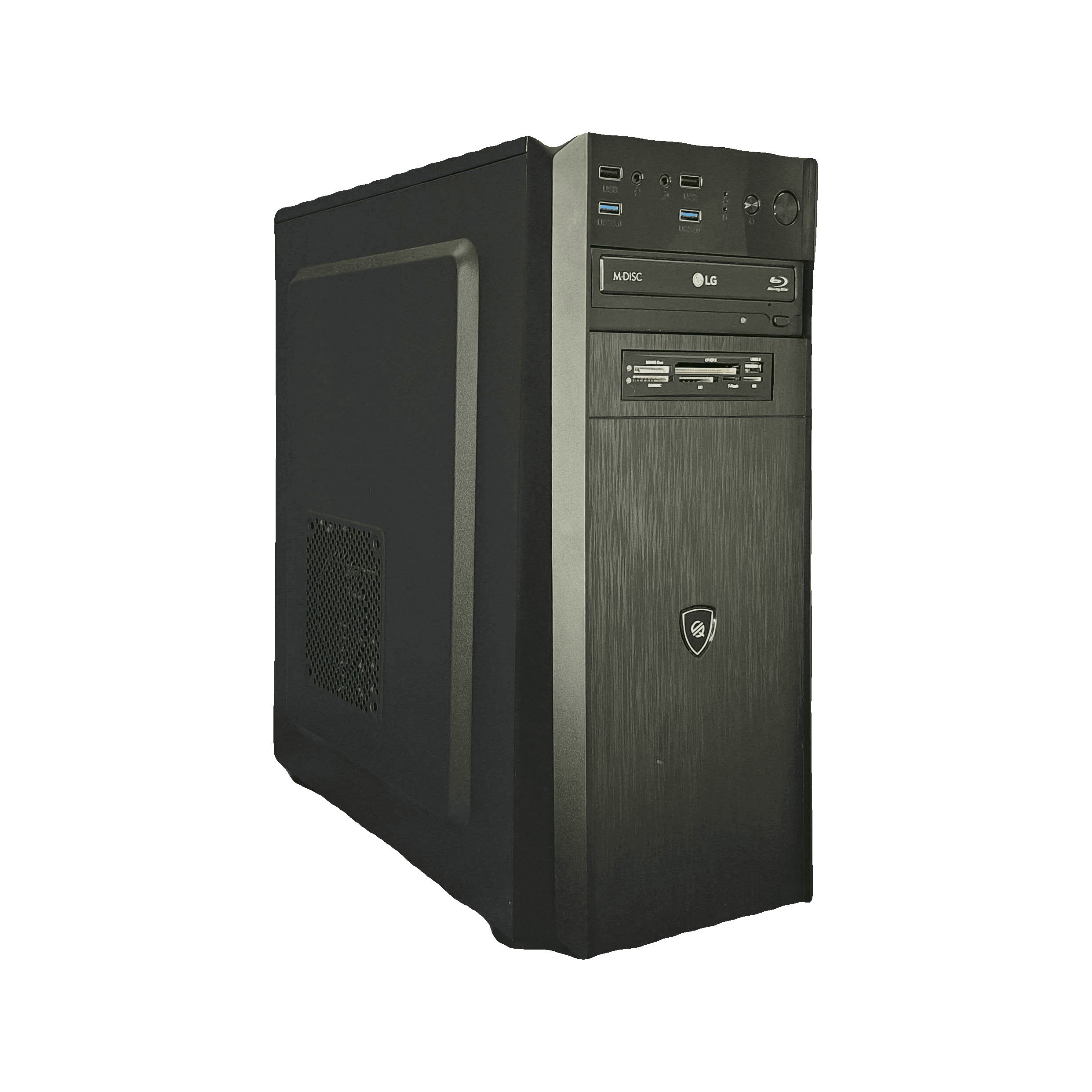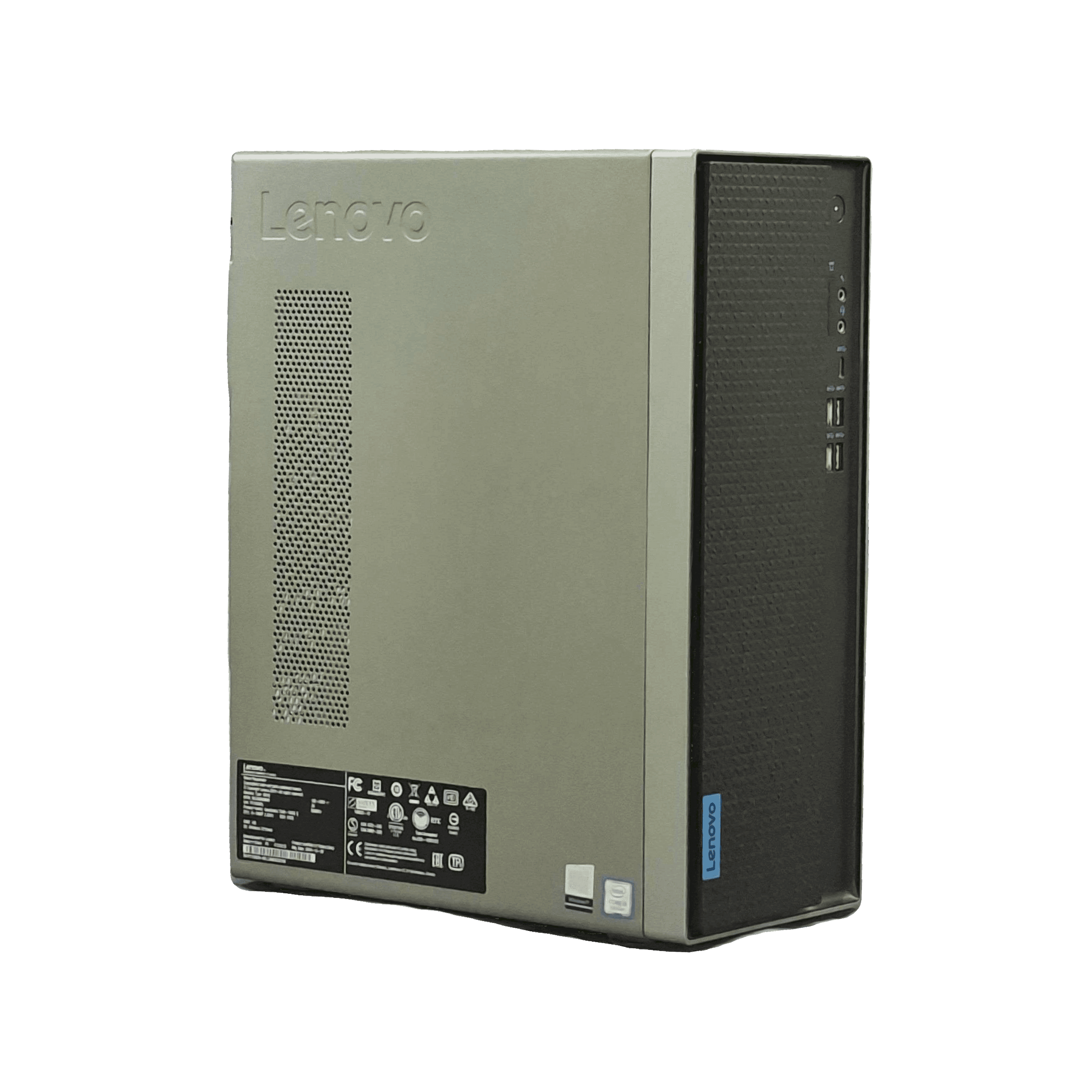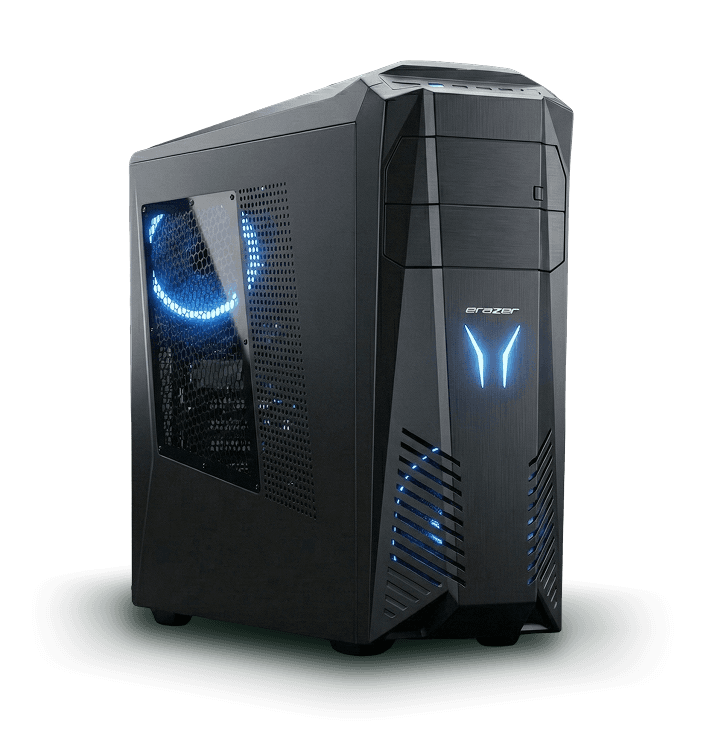
Gaming PC tower

A better way to buy and sell used gaming PCs

  • 12-month warranty
  • Fast Delivery
  • Like-new performance
  • 14-Day Returns

Our values

  • Transparency

    You know exactly what you're buying. Every component has been tested and rated for condition.

  • Expertise

    We are PC builders. Every machine passes through the hands of an expert.

  • Sustainability

    An extended lifespan is an eco-friendly action. We save an average of 500 kg of CO₂ emissions per machine.

Real warranty. Real speed.

Every Prenew gaming PC includes our own 12-month service promise — handled directly by us, not outsourced to a manufacturer with long processing times. If a component fails, our technicians diagnose and repair the issue within 48 hours.

  • 12-month warranty included
  • Remote support in case of issues
  • Free fault diagnosis and repair
  • Warranty service by our experts within two days

Read more
Gamers playing on Prenew PCs

Sell your used gaming PC in 3 simple steps

  1. Get a price estimate for your computer

    With our calculator, you can instantly get an accurate and up-to-date price estimate for your computer. Just enter the basic details of your device and receive a clear estimate of its current value.

  2. Ship your computer easily and for free

    Choose to ship using the Prenew shipping box or send in your own box by printing the shipping label and attaching it to the package.

  3. Get paid for your device

    We take care of everything for you securely — you will receive payment for your computer within 1-3 business days of our inspection.

Sell your used PC

Join thousands of satisfied customers

According to our feedback, over 90% of our customers are satisfied with our service

4.8 out of 5

Thousands of satisfied customers

  • Ville Saari

    Everything worked really well! I drove from Southwest Finland to drop off the computer directly at Prenew's office. The place was easy to find and there were guest parking spots right by the door. I got a notification about the inspection being completed within a couple of hours and everything was wrapped up.

  • Max Inkamo

    My computer was at my parents' place. Shipping was effortless and extremely fast. The packing and shipping instructions were clear. The price estimate was surprisingly accurate even though I forgot about one broken USB port. The selling process itself was very short and went smoothly. I warmly recommend Prenew.

  • Mika Pukkinen

    I sold a gaming PC that I no longer had use for. It was a very smooth process. The box arrived via mail in a couple of days with packing materials and I just needed to send the computer back in return mail. The money appeared in my account quickly. Excellent service.

Frequently asked questions. Answered.

Have questions? We've answered the most common ones below.

When you buy from Prenew, you can be confident in the quality of your computer and enjoy gaming worry-free thanks to comprehensive warranty coverage. By purchasing a refurbished gaming PC, you also save both the environment and your money.
Every computer we sell is thoroughly stress-tested, and the functionality of each component is verified. All computers we sell also include the Prenew warranty service agreement, ensuring that you can game worry-free!
If you want to avoid dealing with unreliable buyers, insultingly low offers, and the hassle of selling, Prenew is the easy choice.
The components of your computer can be checked in several ways, but the easiest method is as follows: 1. Open the Windows search bar. 2. Search for a program called Task Manager and open it. 3. In Task Manager, open the Performance tab on the left side or at the top. 4. The blue arrows indicate where you can find the different components of your computer. You can view the details by clicking on the following sections: CPU (Processor), Memory (RAM), Disk (Storage), and GPU (Graphics Card). The information appears in the top-right corner. For example, you can see the processor type such as i7-1065G7, and the storage type (SSD or HDD) in the lower-right corner under the Disk tab. 5. Task Manager does not display information about the power supply or the motherboard. If you are unsure about these components, follow the instructions in our calculator to create a price estimate. 6. You can find your computer's components in the dropdown menu of our calculator. If your parts are not found in our calculator, it usually means that we do not purchase computers equipped with those components. The usual reason is that the components are relatively old (typically over 10 years old) or very specific models with limited resale demand. Please contact customer service if you believe a new component should be added to the calculator.
View All FAQs

Want to be the first to hear about our offers?

Join our mailing list and be the first to know about discount campaigns!